
Data Portal
Publish a branded data portal that organises dashboards into menus for business users. Covers default dashboards, menu layout, portal design, and multi-level menus.
To address the data consumption experience for different data consumers, the PC version officially launches the powerful Data Portal feature: Enterprises can quickly create a unified and flexible enterprise-level data portal, enabling data analysts to combine dashboard cards according to different management threads and analysis themes such as projects/processes/businesses, and flexibly produce various data analysis topics.
Dashboards Organized
As the number of pages increases, you can add page groups as needed, drag and drop pages into groups, and customize the order of groups and specific pages by dragging and dropping. This enables multi-level grouping management of pages, facilitating quick location and search of pages, making data presentation more organized.
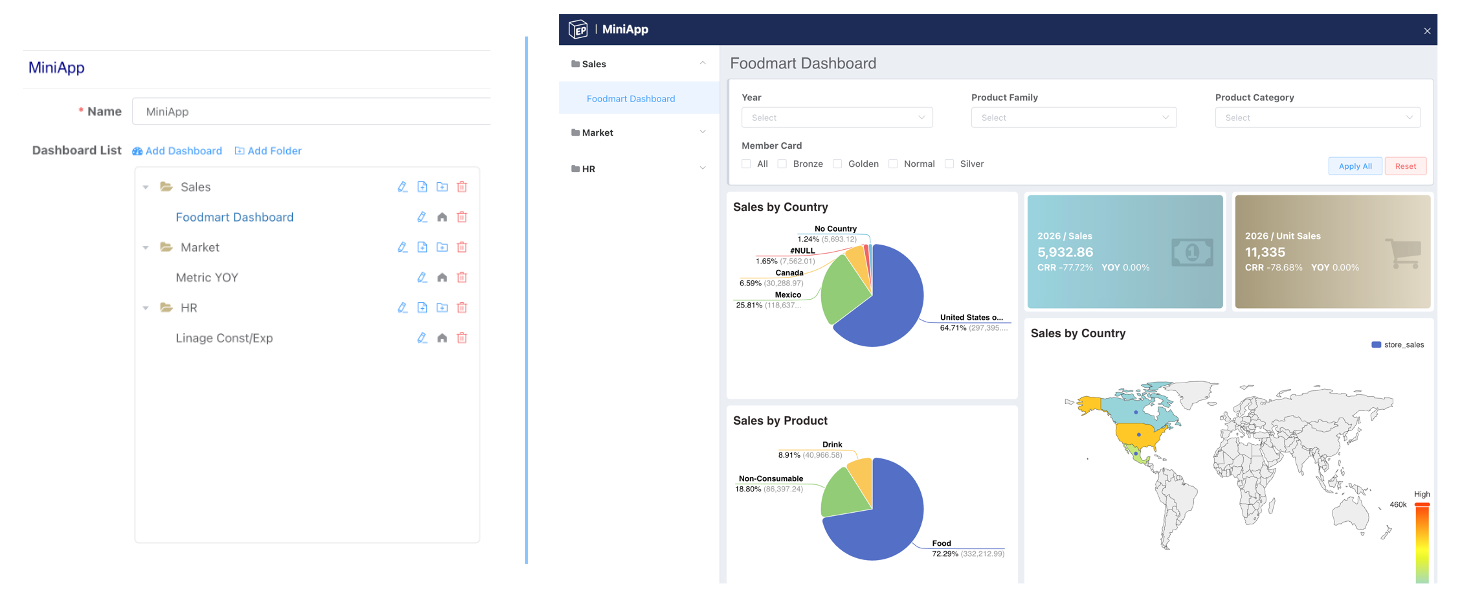
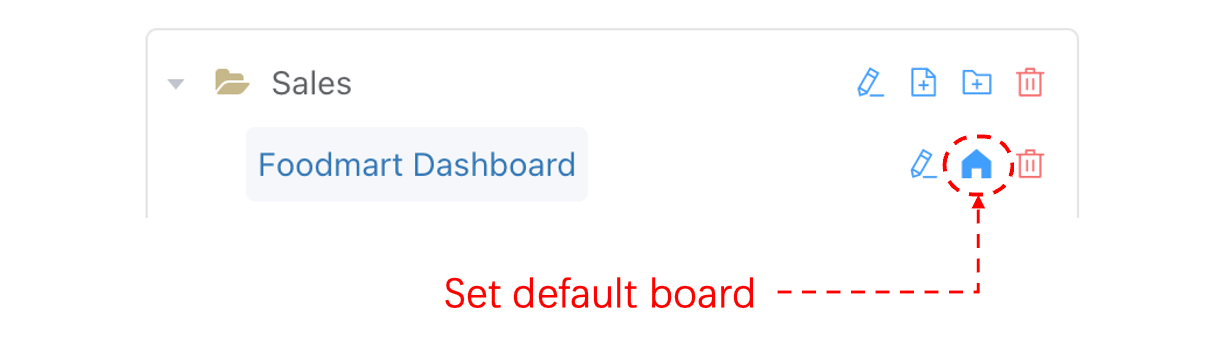
Default Dashboard
Set a default dashboard to open; the dashboard you care about most will open automatically when loading thematic analysis.
Menu Layout
We also provide users with side and top navigation style configurations to enhance the style appeal and usability of the application. You can further customize the colors and icons of the navigation styles, making the web application navigation richer and more vivid.
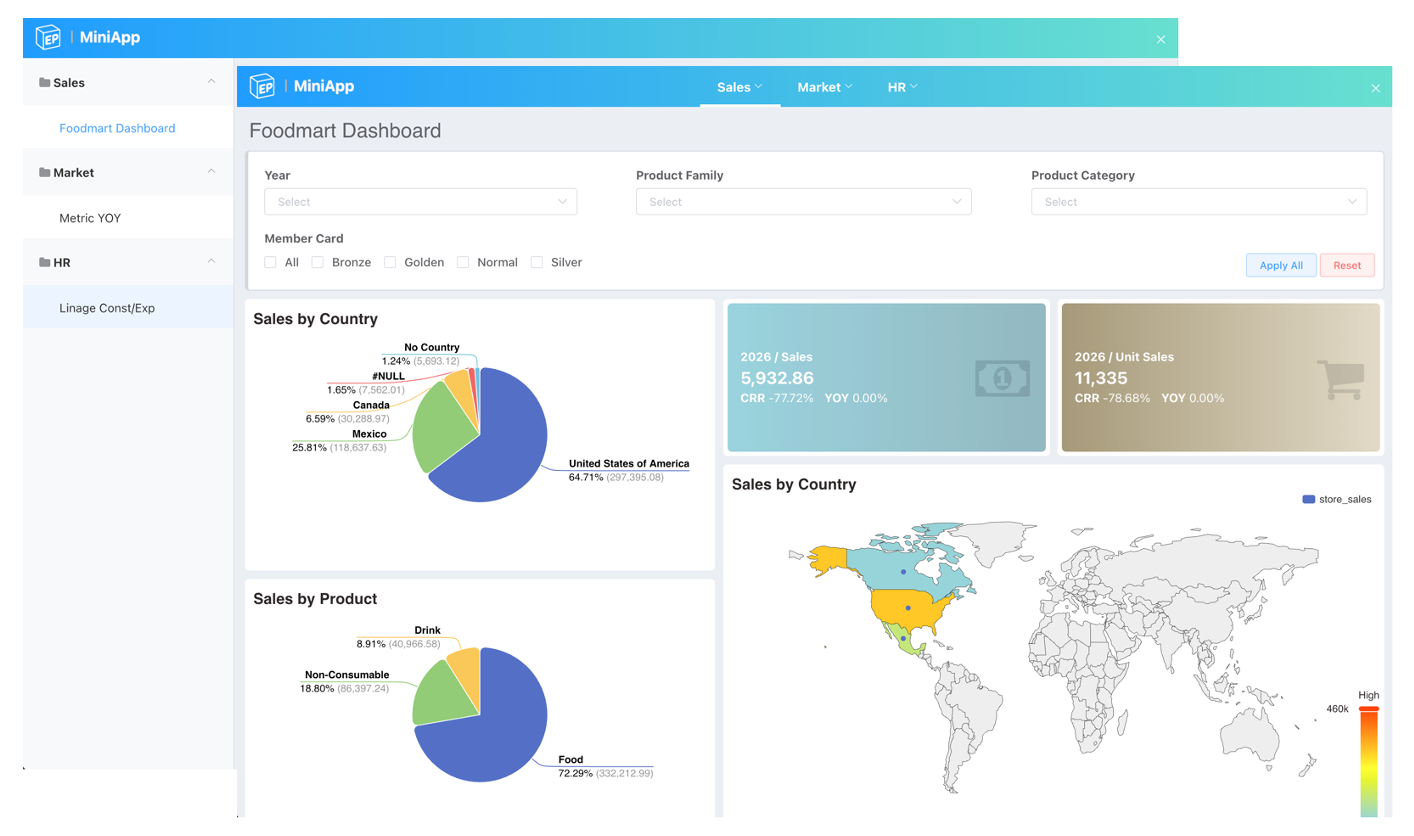
- Configurations are previewed instantly without saving, avoiding impact on already published thematic analyses.
- Logo and platform logo are unified.
Portal Design
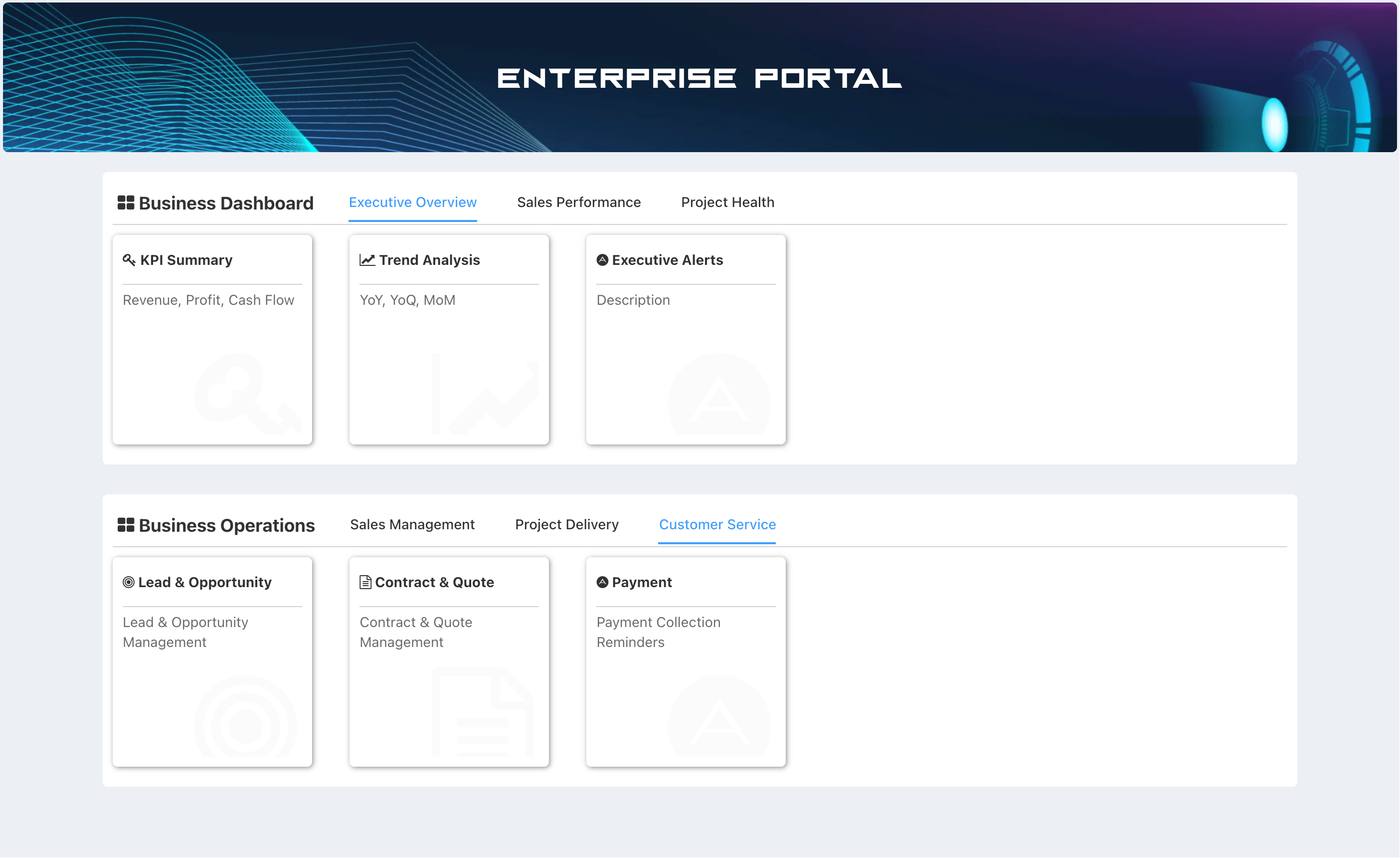
Multi-level Menu
The content of the data portal mainly consists of individual thematic analysis applications. Through topic grouping and tab groups within topics, multi-level integration of different applications is achieved, giving the portal a stronger sense of hierarchy, more orderly page management, and enhancing the data viewing experience for enterprise members.
Banner
Built-in Multiple Sets of Exquisite Banners and Support for Background Upload

3D Scene
Add a Three.js 3D model component to large-screen dashboards. Covers backgrounds, camera setup, camera controllers, and model display effects.
Using Variables
Reusable variables for SQL, chart titles, and dashboard filters — with default values, option lists, and cascading dependencies between variables.