
Dashboard
Common Components
Non-chart dashboard components — text, rich text, Markdown, HTML, images, and dividers — for building report headers, notes, and layout structure.
Text
- The Text component can serve as a paragraph title.
- Structure includes: Title, Subtitle, and Icon.
- If the subtitle is left blank, it doesn't occupy space in preview.

- Configuration Items
- Title and subtitle support direct click-to-edit or editing in the configuration panel.
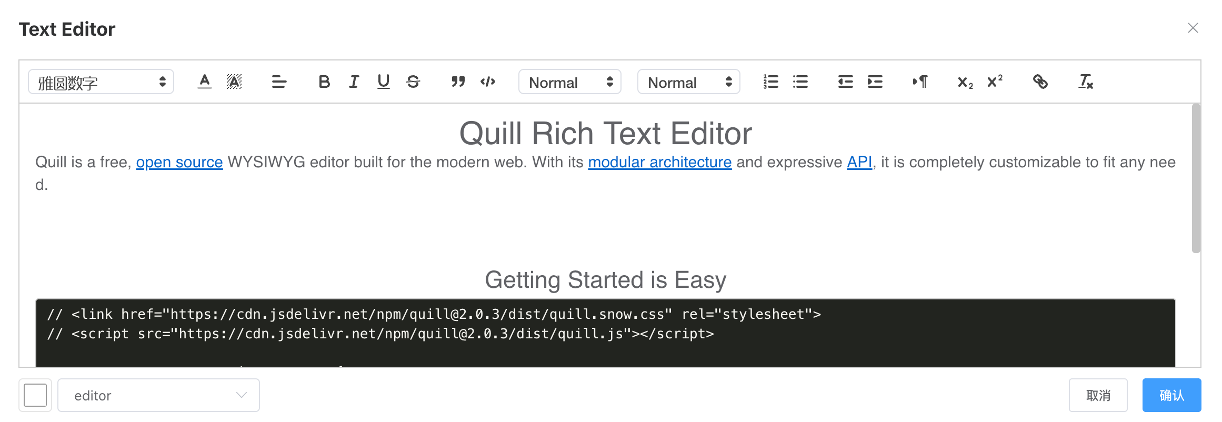
Rich Text
Default mode is a common rich text editor.
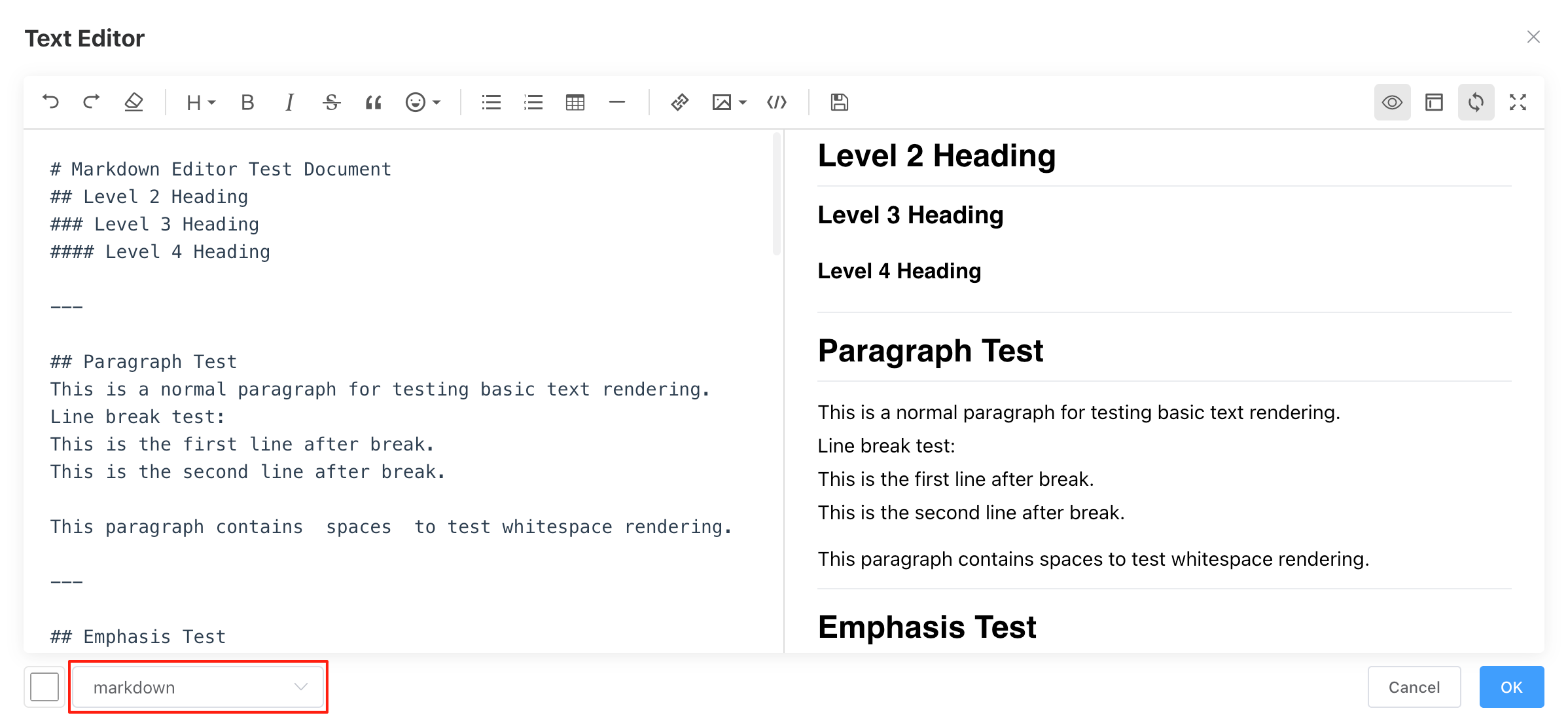
Markdown
Switch to Markdown mode.
HTML
HTML mode, supports click event definition.
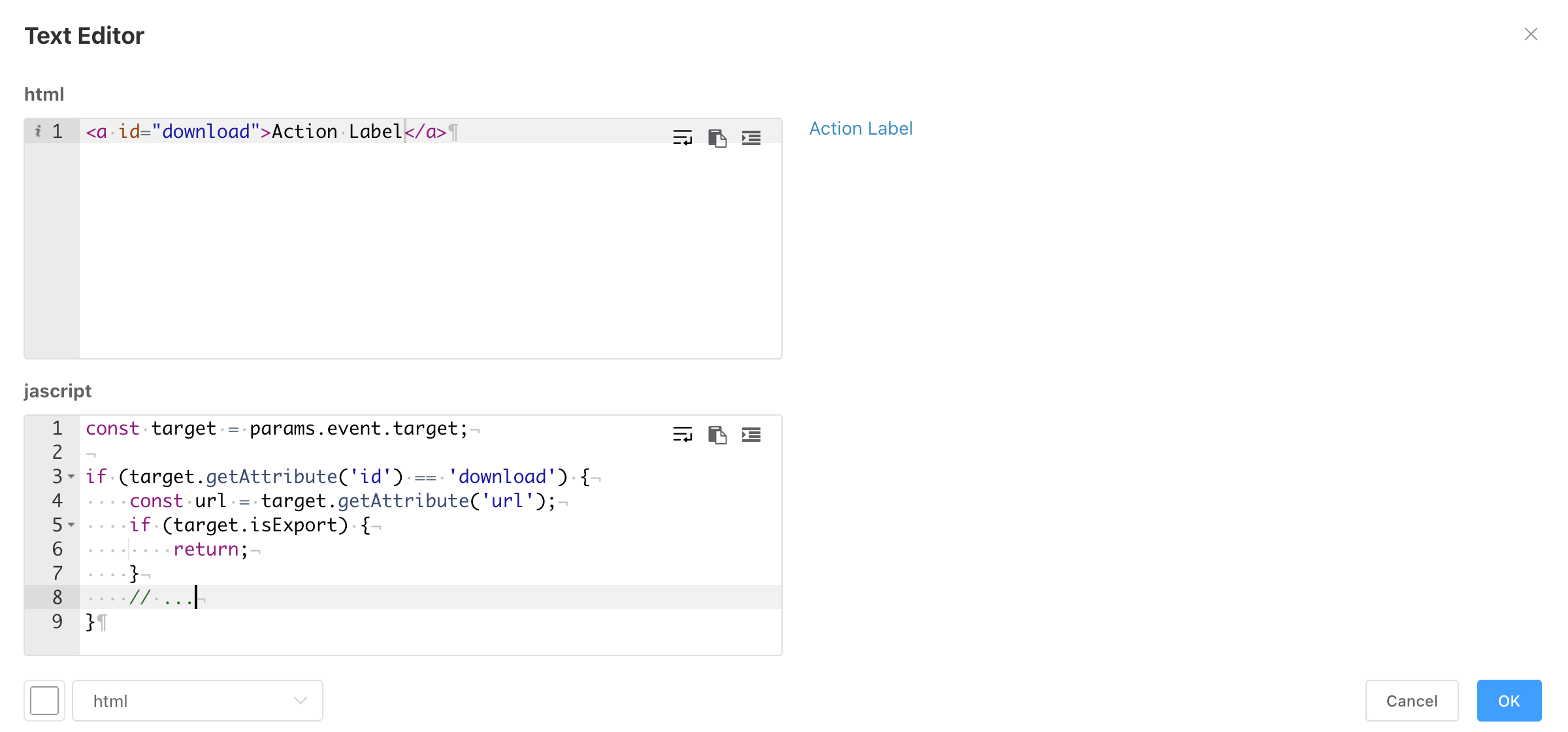
Define Click Events
- Supported parameters in JS event definition include params, native axios (for external service requests), etc.
// params are parameters passed in JS calls
const params = {
    event, // Click event object
    token, // Current user authentication token
    _axios, // BI axios request instance, used for BI's own service requests. Using this instance avoids setting request headers.
    boardParameters,  // Dashboard parameters
    variables, // Environment variables
};- The HTML can contain multiple elements. Use
params.event.targetto determine if the clicked element is the target object. - The example below demonstrates requesting the server via event definition to export multiple complex reports.
const target = params.event.target;
// console.log(_axios);
// Replace with loading icon
if (target.getAttribute('id') == 'download') {
    const url = target.getAttribute('url');
    if (target.isExport) {
        return;
    }
    const originalContent = target.innerHTML; // Save original content
    target.innerHTML = '<i className="el-icon-loading"></i> Downloading...';
    target.isExport = true;

    // Passing a reports object array allows downloading multiple reports
    const reports = [{
        id: 230216164924406,
        name: 'Mexico',
        filters: [{
            datasetId: 1,
            columnName: 'sales_country',
            filterType: '=',
            values: ['Mexico'],
        }],
        // Environment variables
        variables: {
            foo: 'bar',
            month_range: '1,10'
        }
    }, {
        id: 230216164924406,
        name: 'Canada',
        filters: [{
            datasetId: 1,
            columnName: 'sales_country',
            filterType: '=',
            values: ['Canada'],
        }]
    }];

    // reportView/exportExcelById downloads Excel by report ID.
    // Passing id downloads a single report.
    // Passing a reports object array downloads multiple reports.
    // The same report can appear multiple times, controlled by filters.
    params._axios.post('reportView/exportExcelById',
            {
                reports: JSON.stringify(reports)
                // id: 230216164924406
            }, {
                responseType: 'blob',
                headers: {
                // This header section is not needed if using params._axios.
                // If using native axios for external services, set as needed.
                    'Content-Type': 'application/x-www-form-urlencoded',
                    token: params.token
                }
            })
        .then(response => {
            // Create URL and download file
            const url = window.URL.createObjectURL(response.data);
            const a = document.createElement('a');
            a.href = url;
            a.download = 'Report.xlsx'; // Set download file name
            document.body.appendChild(a);
            a.click();
            window.URL.revokeObjectURL(url); // Release URL
        }).catch(error => {
            console.error('Download failed', error);
        })
        .finally(() => {
            // Restore original content and click functionality
            target.innerHTML = originalContent;
            target.style.pointerEvents = 'auto';
            target.isExport = false;
        });
}
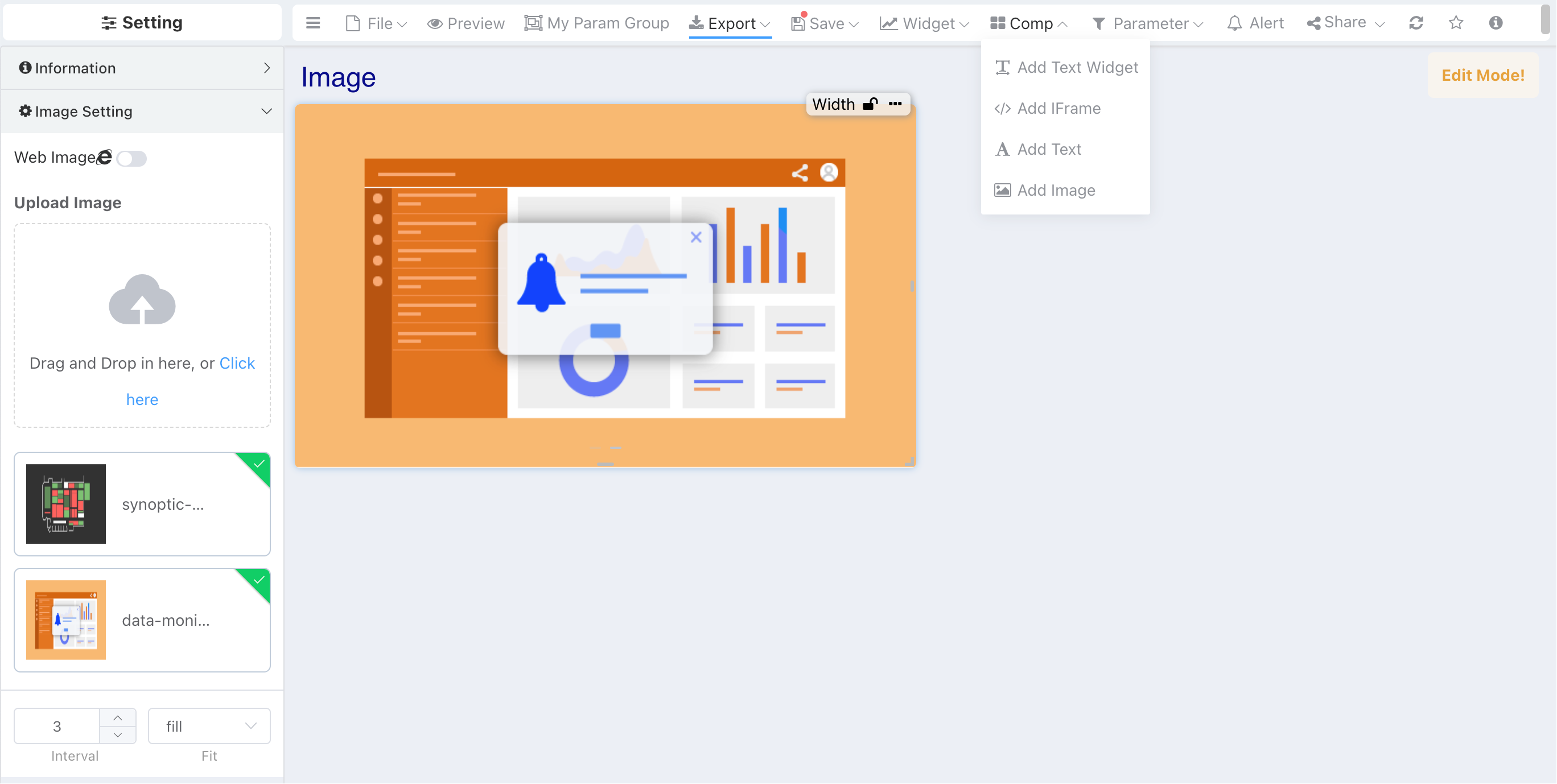
Image
- Supports Image Carousel for multiple images.
- Supports uploading images or network image URLs.
- Network image URLs support environment variable parsing.
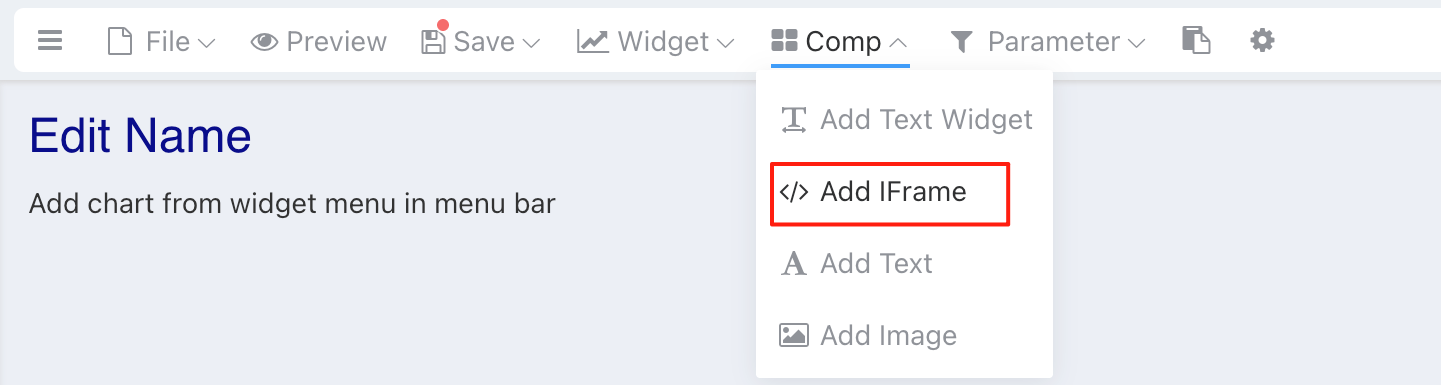
Add IFrame Component
IFrame Interactive Linkage
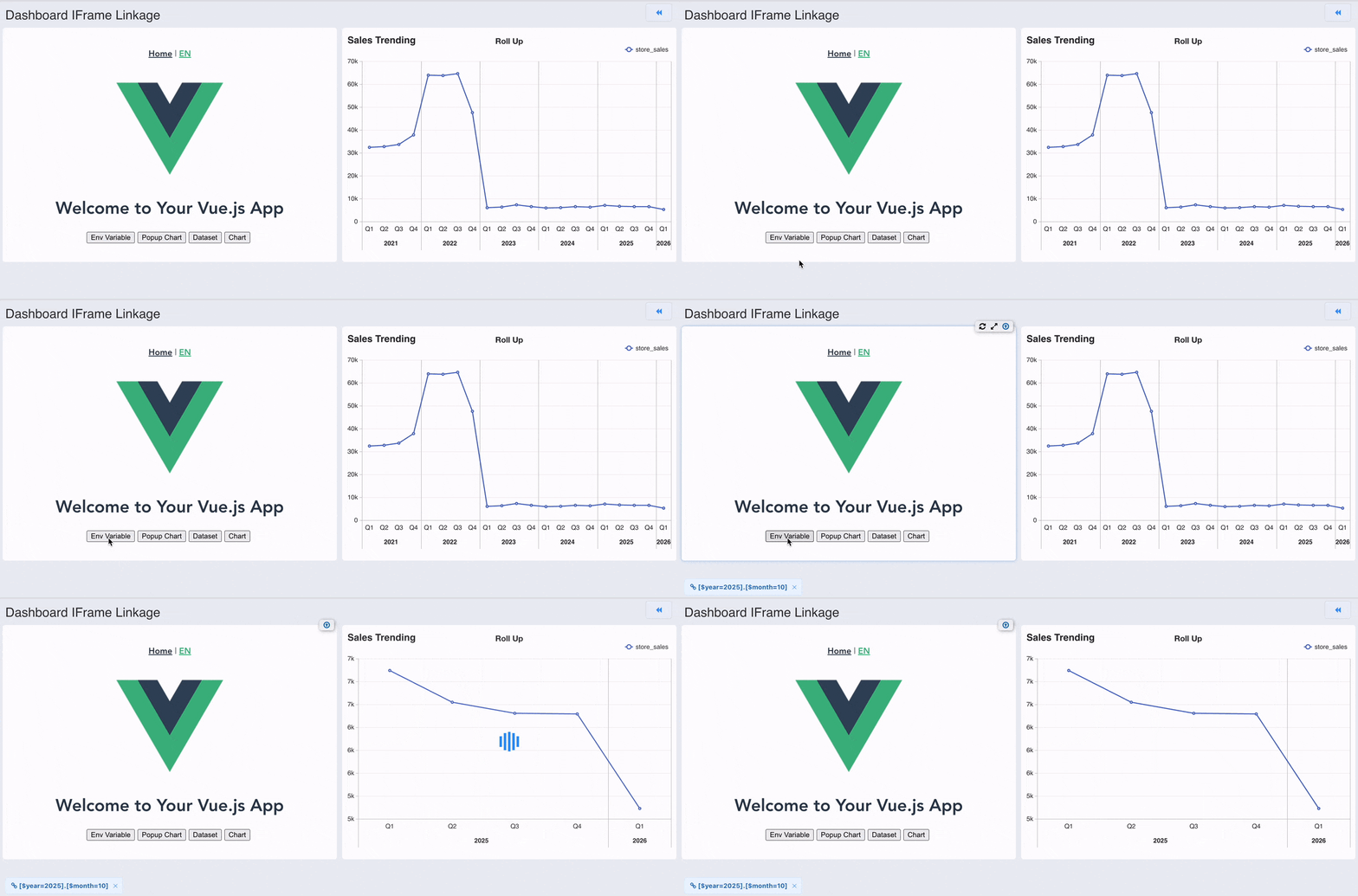
IFrame and Dashboard Interactive Linkage
Iframe and dashboard can interact through the postMessage mechanism. The iframe sends messages in an agreed format, and the dashboard listens and processes different types of messages. The message format supported by iframe is as follows:
Environment Variables
- Single Variable
window.parent.postMessage({
    name: 'ibi.widgetLink',
    params: [
        {type: 'env', val: {id: 'year', value: 2025}},
    ],
}, '*');- Multiple Variables
window.parent.postMessage({
    name: 'ibi.widgetLink',
    params: [
        {type: 'env', val: {id: 'year', value: 2025}},
        {type: 'env', val: {id: 'month', value: 10}},
    ],
}, '*');
Popup Chart
window.parent.postMessage({
    name: 'ibi.widgetLink',
    params: [
        {
            type: 'popup-widget',
            targetId: 1, // Chart ID
            val: { alias: 'Year', column: 'the_year', type: "=", values: ['2025'] }
        },
    ],
}, '*');
Dataset
window.parent.postMessage({
    name: 'ibi.widgetLink',
    params: [
        {
            type: "dataset",
            targetId: 1, // Dataset ID
            val: { alias: 'Year', column: 'the_year', type: "=", values: ['2025'] }
        },
    ],
}, '*');
Chart
window.parent.postMessage({
    name: 'ibi.widgetLink',
    params: [
        {
            type: "widget",
            targetId: 'xp1lbw1j9cs', // Chart sid
            val: { alias: 'Year', column: 'the_year', type: "=", values: ['2025'] }
        },
    ],
}, '*');
VueJS Code Demo
<template>
    <div className="home">
        <img alt="Vue logo" src="../assets/logo.png" />
        <h1>{{ msg }}</h1>
        <button @click="env"> Env Variable </button>
        <button @click="popupWidget"> Popup Chart </button>
        <button @click="dataset"> Dataset </button>
        <button @click="widget"> Chart </button>
    </div>
</template>

<script>
export default {
    name: 'Linkage Example',
    props: {
    },
    data() {
        return {
            msg: "Welcome to Your Vue.js App"
        }
    },
    methods: {
        env() {
            window.parent.postMessage({
                name: 'ibi.widgetLink',
                params: [
                    {type: 'env', val: {id: 'year', value: 2025}},
                    {type: 'env', val: {id: 'month', value: 10}},
                ],
            }, '*');
        },
        popupWidget() {
            window.parent.postMessage({
                name: 'ibi.widgetLink',
                params: [
                    {
                        type: 'popup-widget', targetId: 1,
                        val: { alias: 'Year', column: 'the_year', type: "=", values: ['2016'] }
                    },
                ],
            }, '*');
        },
        dataset() {
            window.parent.postMessage({
                name: 'ibi.widgetLink',
                params: [
                    {
                        type: "dataset", targetId: 1,
                        val: { alias: 'Year', column: 'the_year', type: "=", values: ['2016'] }
                    },
                ],
            }, '*');
        },
        widget() {
            window.parent.postMessage({
                name: 'ibi.widgetLink',
                params: [
                    {
                        type: "widget", targetId: 'xp1lbw1j9cs',
                        val: { alias: 'Year', column: 'the_year', type: "=", values: ['2016'] }
                    },
                ],
            }, '*');
        },
    }
};
</script>

{/* Add "scoped" attribute to limit CSS to this component only */}
<style>
h3 {
    margin: 40px 0 0;
}

ul {
    list-style-type: none;
    padding: 0;
}

li {
    display: inline-block;
    margin: 0 10px;
}

a {
    color: #42b983;
}
.home button {
    margin-right: 5px;
}
</style>