Easy Pivot Logo
  • Pricing

Manual

OverviewFolder SystemData Sources
Insight
Cross-Table / Pivot TableColumn / Line ChartAxis Style ConfigurationRadial BarPie ChartSunburst ChartTreemapMetric CardRanking BarBullet ChartWaterfall ChartBubble ChartFunnel ChartBoxplotCandlestick ChartHeatmapCircular Progress BarLiquid FillGaugeContrast Bar ChartRadar ChartSankey DiagramTree DiagramRelation DiagramWord CloudSVG MapArea MapAggregate Data Map3D MapDetail TableScatter Plot (Detailed Data)Latitude-Longitude Map (Local)Dynamic Ranking Bar Chart
Drill-down, Roll-upChart Fine-tuning Developer Mode
User and RoleRestful Interfaces

Integration

ChartsChart Detail

Axis Style Configuration

Axis Style Configuration

The axis style configuration is fundamentally similar for all graphics with coordinate axes.

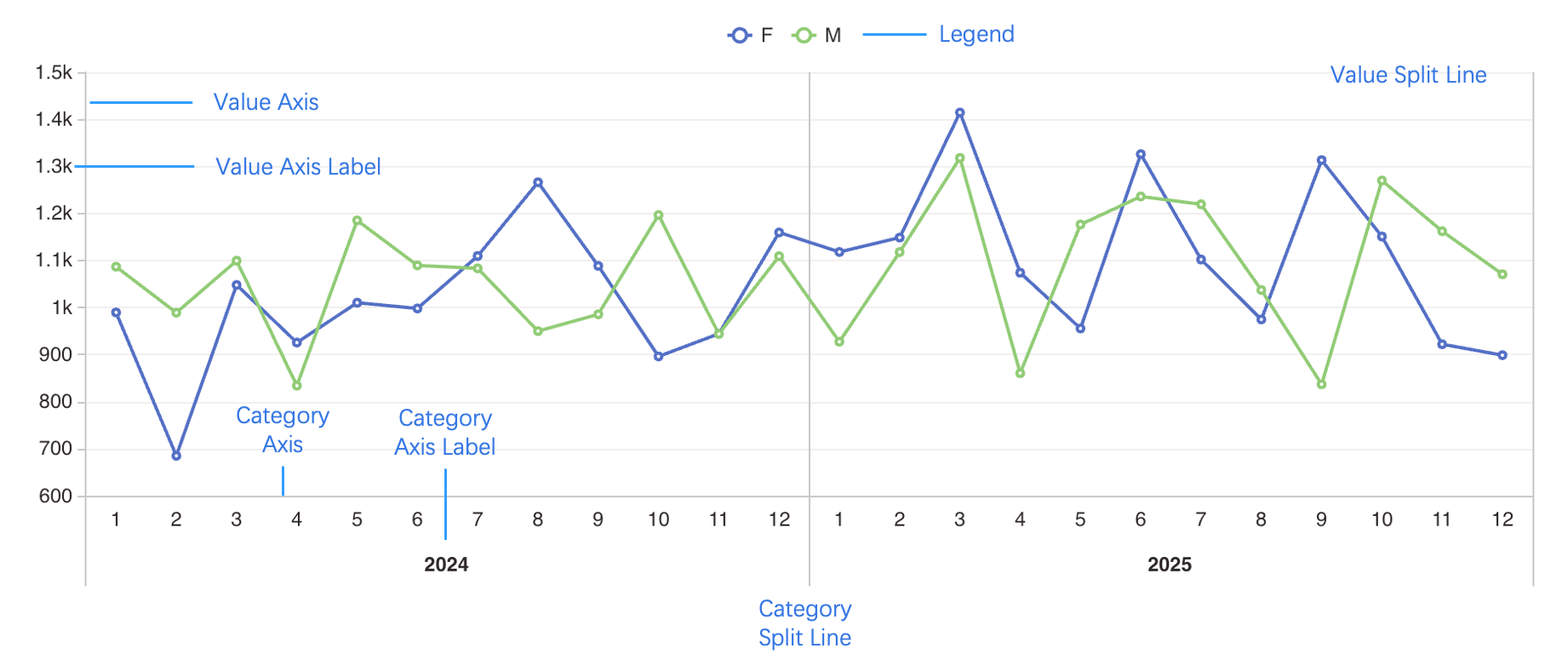
Before configuring chart styles, it's essential to understand several key elements that constitute a chart:

  • Legend
  • Category Axis
  • Value Axis
  • Tick Marks
  • Axis Title
  • Split Lines

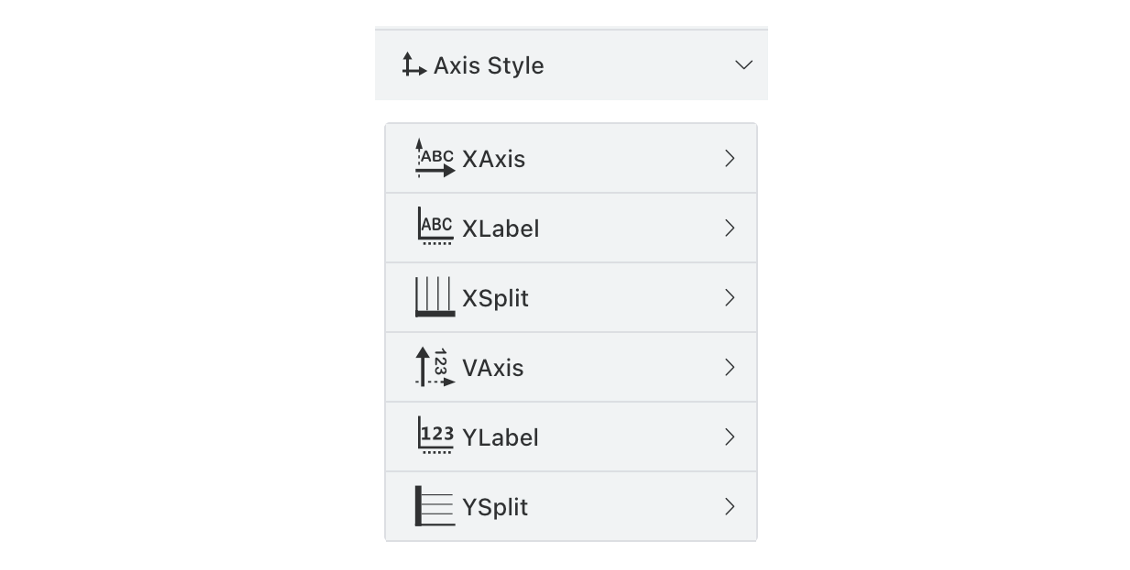
The corresponding configuration sections are shown in the image below:
Column / Line Chart

Column Chart/ Bar Chart / Line Chart etc.

Radial Bar

Radial Bar Chart (Circular Bar Chart)

Log InStart Free